FeedPi
Production Floor Access, Anywhere

Mobile & Desktop

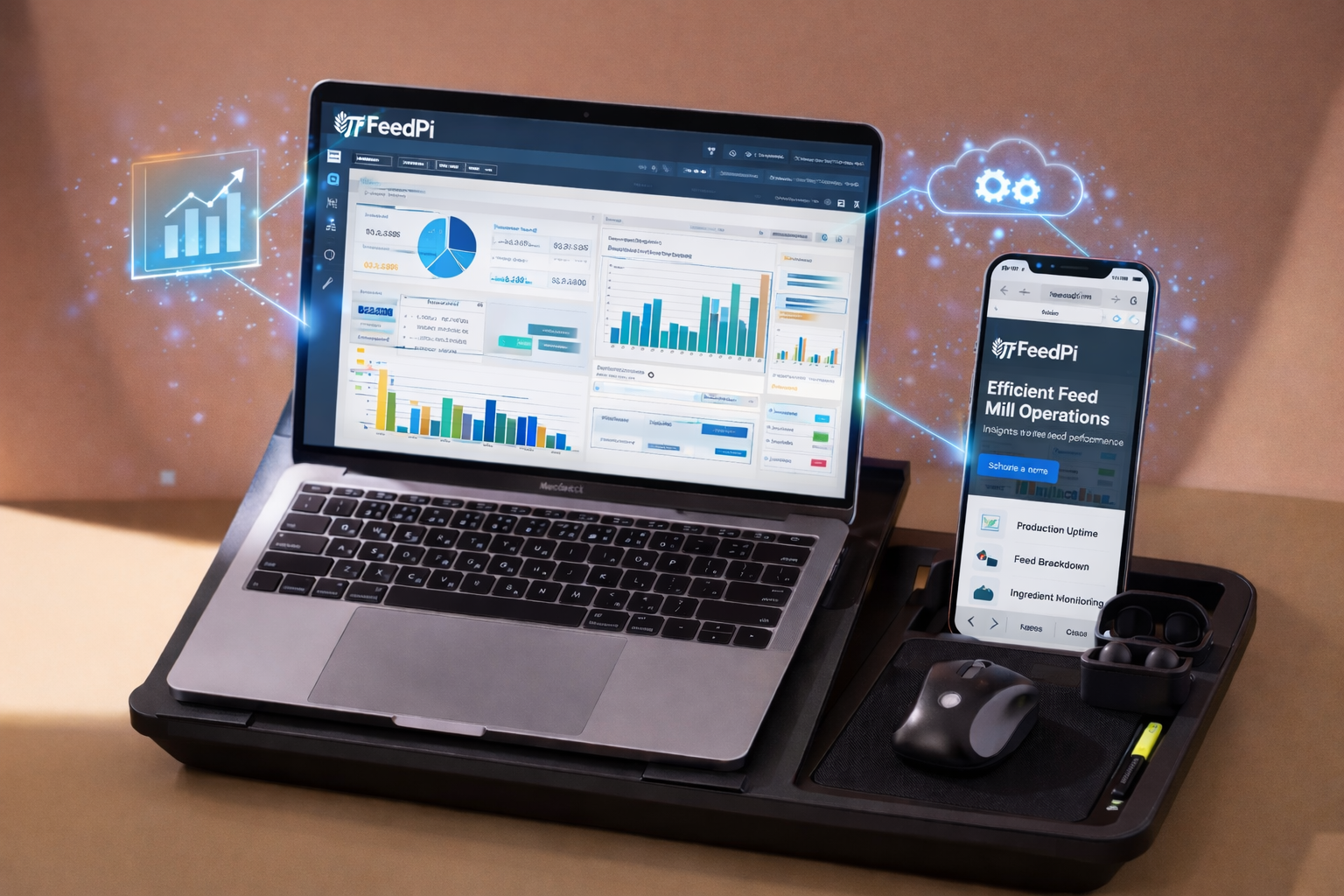
FeedPi goes where your team goes. The mobile app gives production supervisors, warehouse staff, and dispatch operators full access to their workflows — even offline. Scan barcodes, approve batches, check stock, and receive push notifications for alerts that matter. The desktop app provides power users with a full-screen, keyboard-shortcut-driven experience for formulation and analytics.

4.2 hrs/daysaved vs desktop-only workflows
Key Capabilities

Production Floor Mobile App

Operators log batch starts, record weights, capture photos, and flag issues from their phone on the mill floor. No more walking to the control room PC for every entry.

Offline Mode with Auto-Sync

Works without internet. Data captured offline syncs automatically when connectivity returns. Critical for mill floors with patchy WiFi and remote plant locations.

Barcode & QR Scanning

Phone camera doubles as a barcode/QR scanner. Scan material bags for GRN, scan batch labels for production tracking, scan dispatch labels for vehicle loading confirmation.

Push Notifications & Alerts

Configurable push notifications for quality holds, reorder alerts, variance warnings, dispatch delays, and approval requests. Right person, right alert, right time.

Role-Based Mobile Views

The app adapts to the user's role. A warehouse supervisor sees stock and GRN screens. A QC technician sees sampling and test entry. A production head sees batch status and OEE.

Desktop App with Keyboard Shortcuts

Power users — nutritionists building formulas, analysts building dashboards — get a native desktop experience with keyboard shortcuts, multi-window support, and large-screen optimised layouts.

What this looks like in FeedPi

The actual interface. No stock photos.

Mobile app showing offline mode indicator with queued entries and sync progress bar
Mobile barcode scanner screen scanning a raw material bag label with auto-populated GRN fields

Teams on FeedPi say

I used to walk to the office 15 times a day to enter batch data. Now I log everything from the mixer platform on my phone. Saves me 2 hours every shift.

Production Supervisor, Poultry Feed Plant

Our plant has terrible WiFi. Offline mode is a lifesaver — I do all my GRNs and stock counts offline, and it syncs when I'm near the router. Zero data loss so far.

Warehouse Incharge, Remote Plant

The desktop app with keyboard shortcuts makes formula building fast. Ctrl+S to solve, Ctrl+D to duplicate a formula, Tab to navigate constraints — it's built for people who live in formulation.

Head Nutritionist

Works with every other module

See Mobile & Desktop in action

14-day free trial. No credit card. Go live in days, not months.

The Feed Mill Intelligence Newsletter

Weekly insights on formulation, cost optimization & compliance